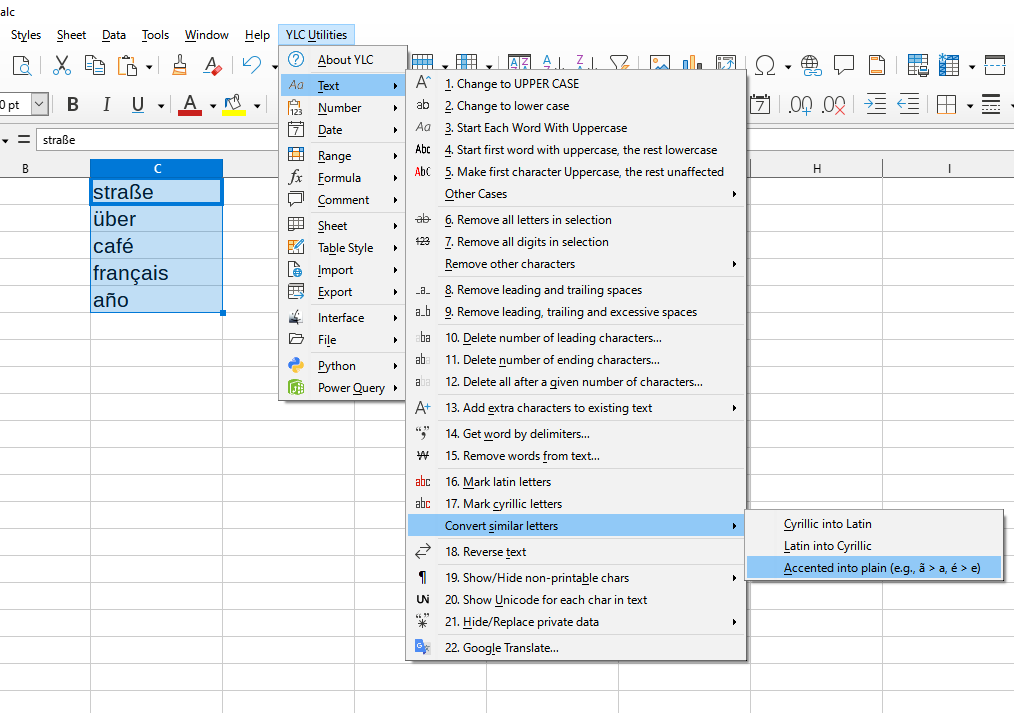
This tool allows you to quickly convert letters that look the same but belong to different alphabets (e.g., Cyrillic and Latin) to a single standard. This eliminates problems related to searching, sorting, filtering, or working with data containing mixed characters.
The tool replaces similar characters, such as Cyrillic 'а' (U+0430) with Latin 'a' (U+0061) or Cyrillic 'е' (U+0435) with Latin 'e' (U+0065), unifying the data for further processing and analysis.
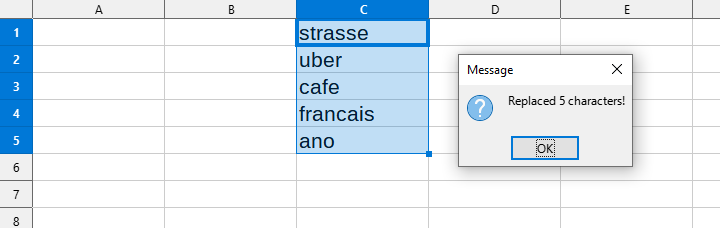
After applying:
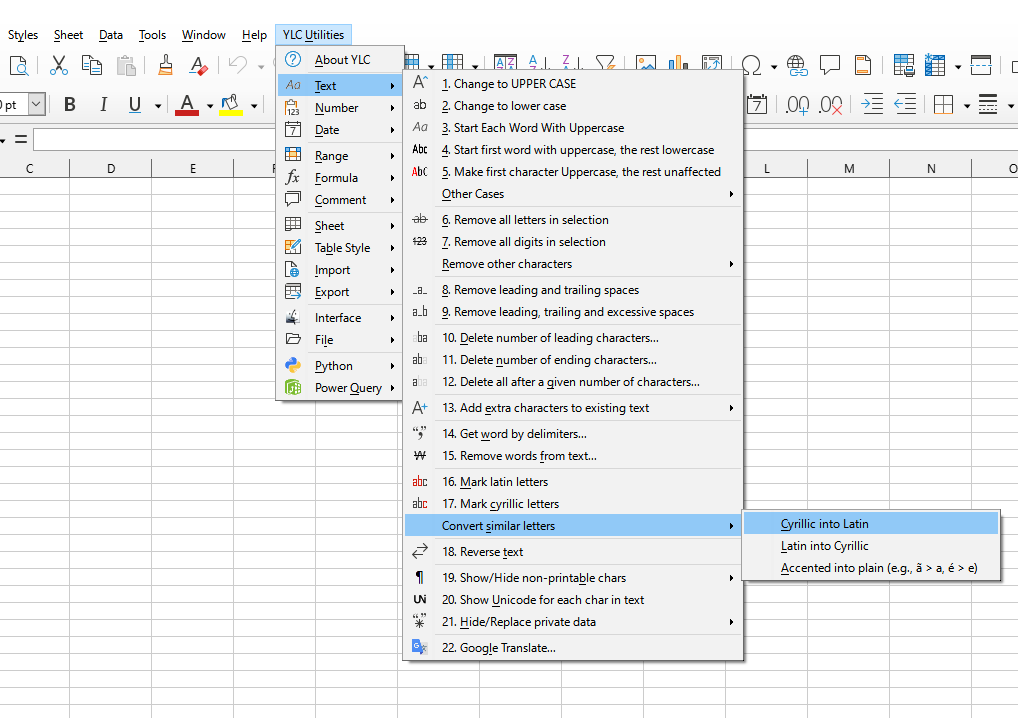
Click

By using this tool, you are guaranteed to save time and effort. However, the actual time savings depend on how often you use Excel (Calc), the volume of data you are working with, and how frequently you use this tool.
You can use the
After that, this function will be available in all files opened in Excel (LibreOffice Calc).

