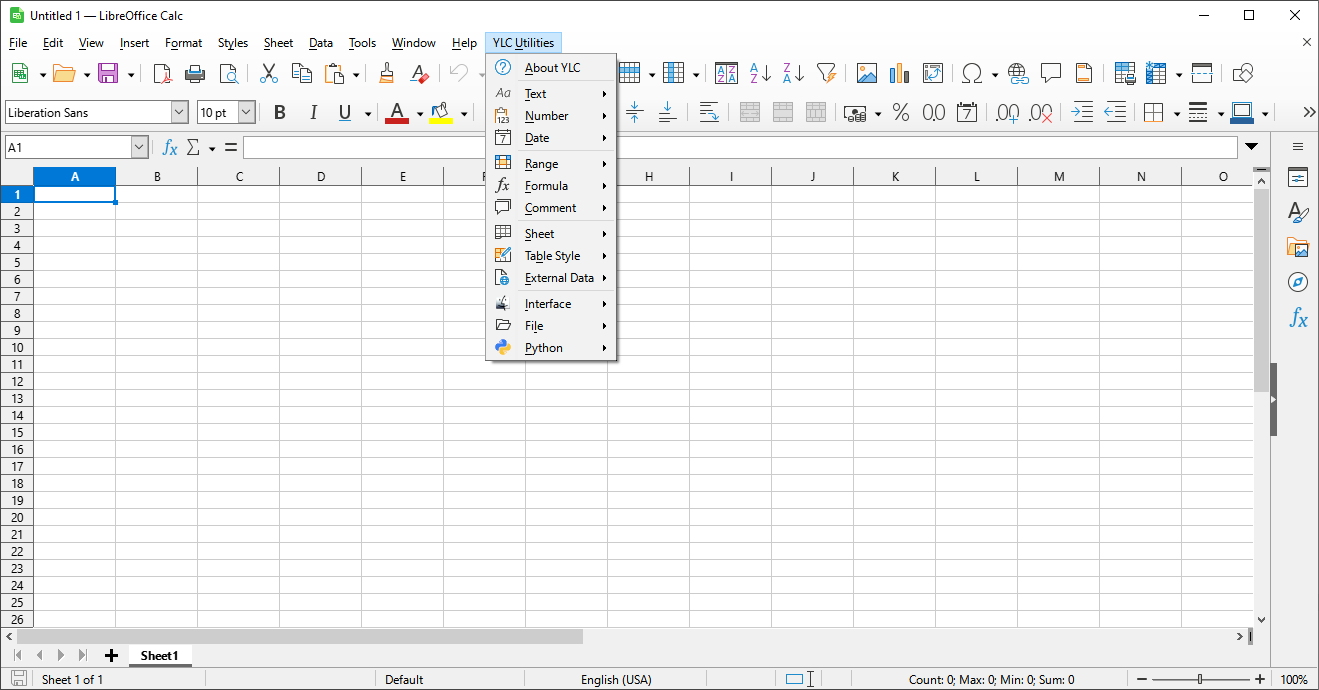
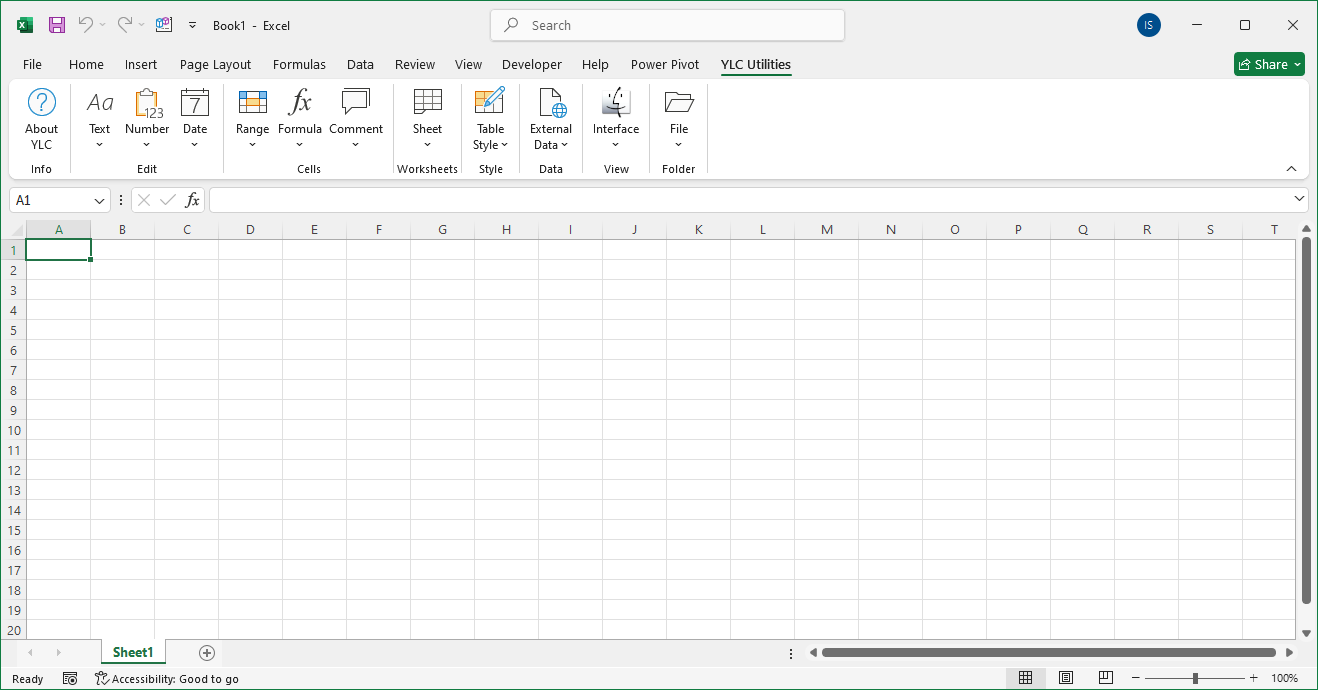
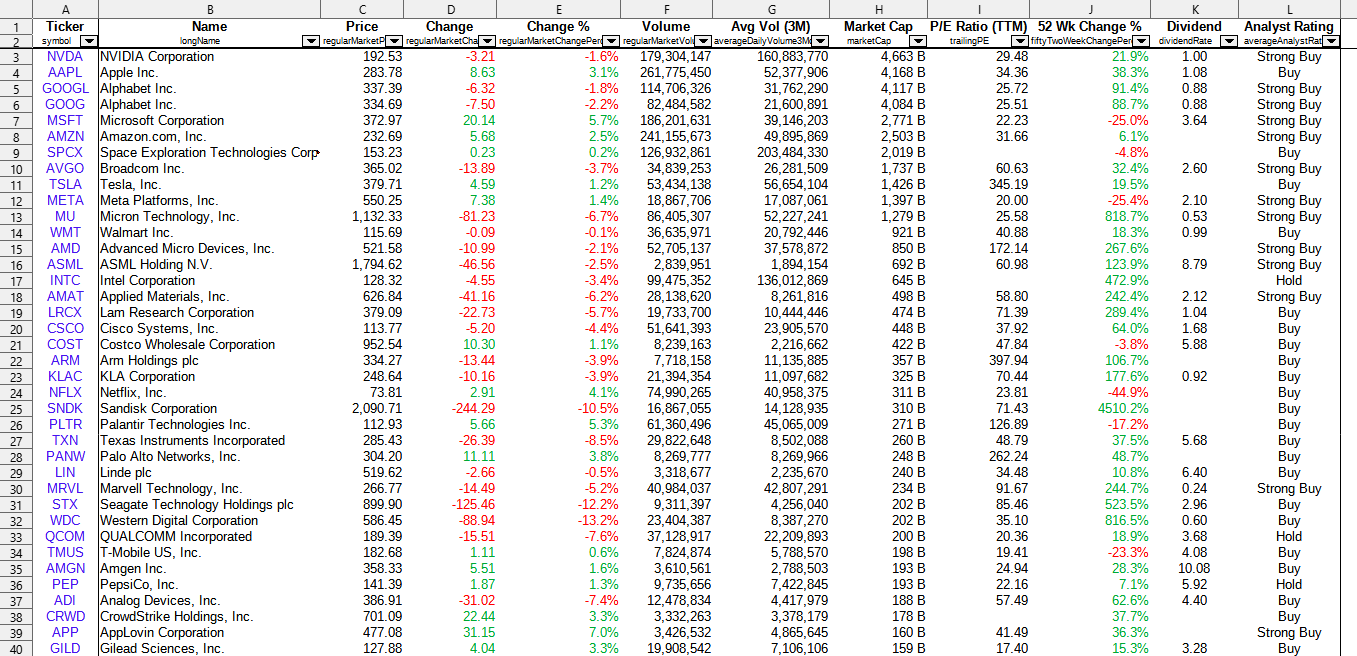
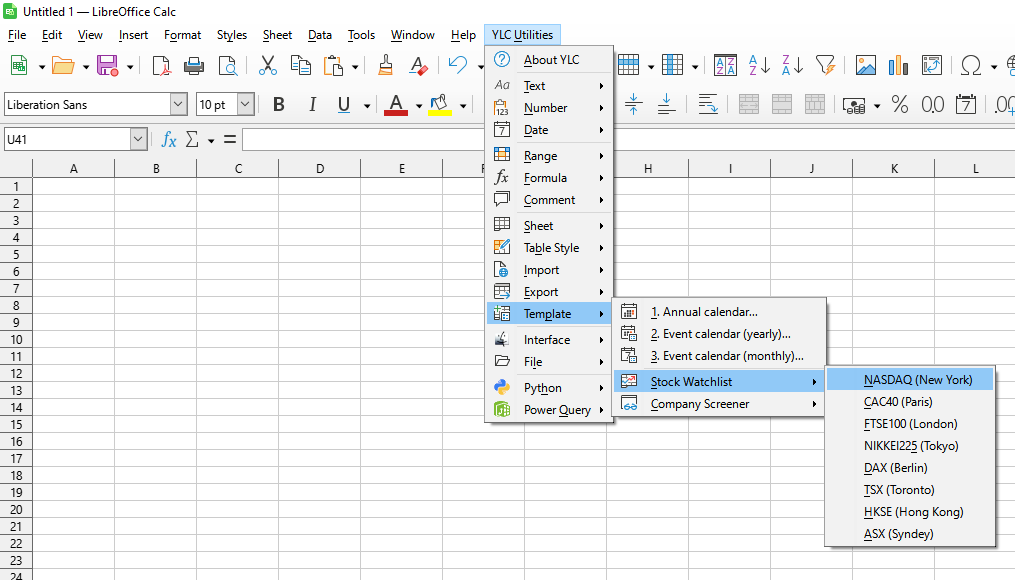
This tool allows you to quickly generate a new worksheet with a personalized stock watchlist. You can select the desired stock exchange, and the utility will automatically create a structured table populated with the relevant tickers and key financial indicators.
This completely eliminates the need to manually search for company information, copy tickers from websites, or set up a complex table structure on your own. You instantly get a ready-to-use and convenient tool for market monitoring, price dynamics analysis, and tracking important stock indicators.
Click

By using this tool, you are guaranteed to save time and effort. However, the actual time savings depend on how often you use Excel (Calc), the volume of data you work with, and how frequently you use this tool.
You can use the utility
After this, this function will be available in all files that are opened in Excel (LibreOffice Calc).