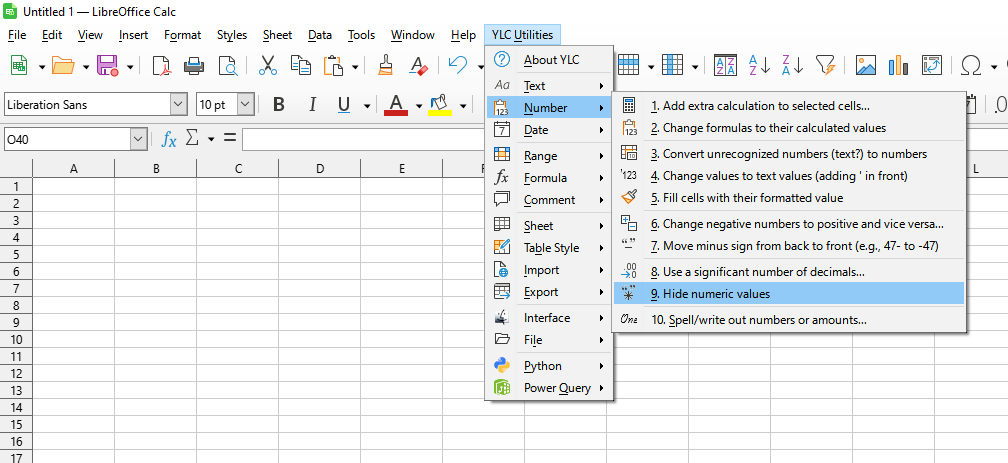
This tool allows you to quickly replace all numeric values in a selected range with asterisk characters (*).
This is ideal for online data demonstrations or creating screenshots where sensitive financial, personal, or other numerical data needs to be hidden while maintaining the overall structure and cell layouts.
The tool only replaces the displayed value of cells containing numeric data, leaving formulas or text unchanged, which allows for easy "anonymization" of parts of the data.

After application:

Click

By using this tool, you are guaranteed to save time and effort. However, the actual time savings will depend on how often you use Excel (Calc), the volume of data you are working with, and how frequently you use this tool.
You can use the
After that, this feature will be available in all files that will be opened in Excel (LibreOffice Calc).

