This tool allows you to quickly display non-printable characters (e.g., tab characters, line breaks, non-breaking spaces, and other control characters) for text in selected cells. This eliminates problems associated with invisible characters that can cause formatting errors, incorrect sorting, or unexpected behavior of functions.
The tool replaces non-printable characters with their visual representations (e.g., → for a tab character) in cells, allowing the user to find, understand, and correct hidden data issues. When used again, the characters revert to their original state.

After applying:

Click
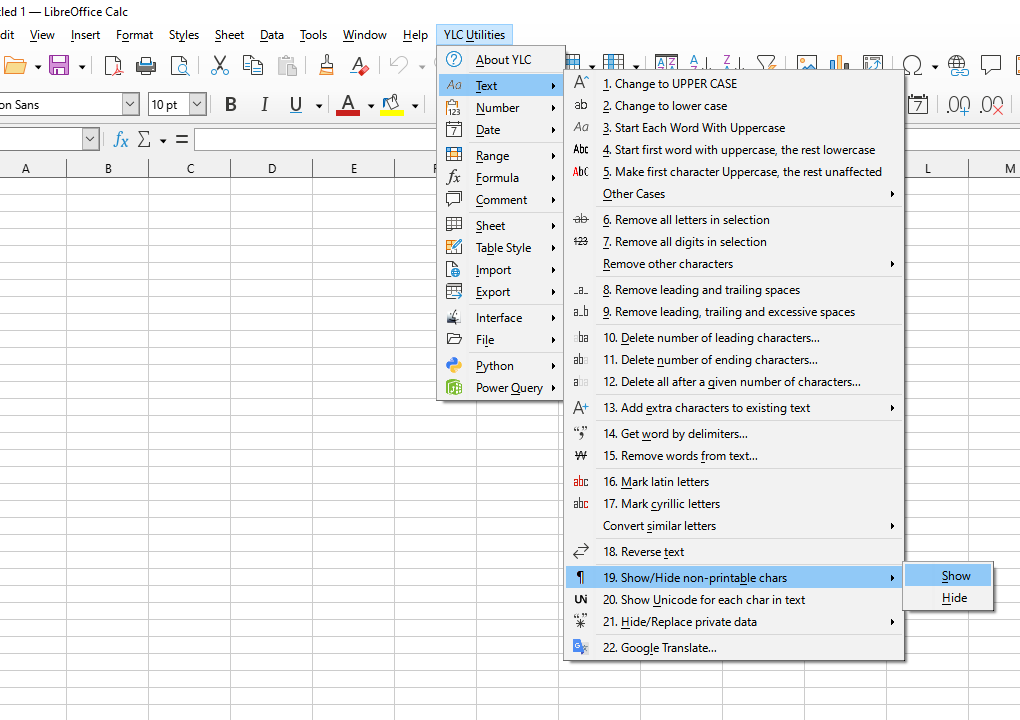

By using this tool, you are guaranteed to save time and effort. However, the actual time savings depend on how often you use Excel (Calc), the amount of data you work with, and how often you use this tool.
You can use the
After that, this function will be available in all files that are opened in Excel (LibreOffice Calc).

