The GETSEX() function automatically determines gender (male/female/undefined) by analyzing the first name, last name, and patronymic. It is ideal for customer database segmentation, newsletter personalization, and marketing analysis.
Names can be written in Ukrainian, English, and Russian.
=GETSEX(Name)
The GETSEX() function is easy to use. You just need to specify the cell with the person's name, and Excel (Calc) will automatically determine their gender:
=GETSEX(Name)
We will get the following result:
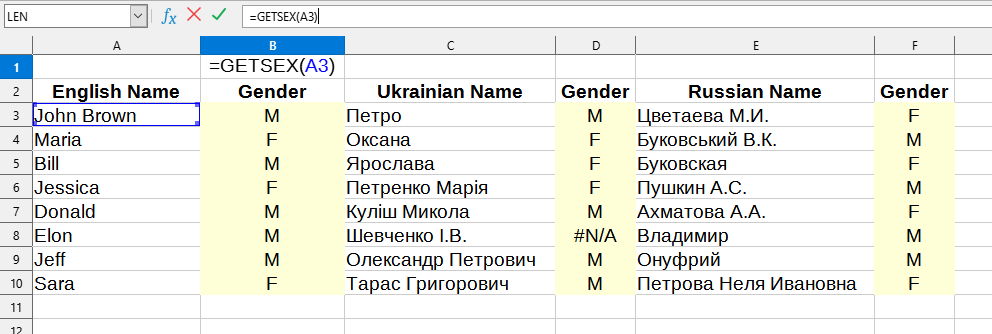
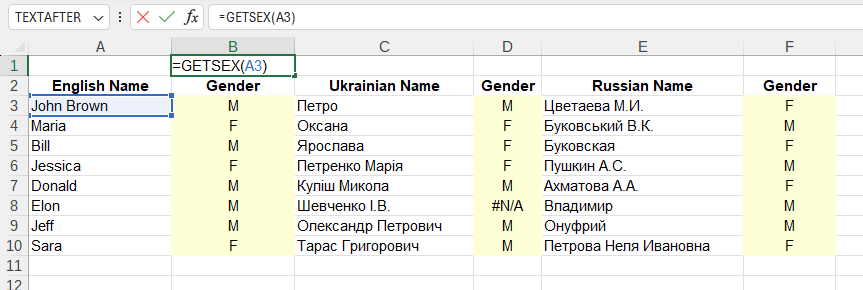
The following values are used in this example:
You can use the GETSEX() function by installing the YLC Utilities extension.
After that, this function will be available in all files opened in Excel (LibreOffice Calc).

