This tool allows you to efficiently remove a specified number of words (text parts) from the beginning or end of a string in selected cells of Excel (Calc), using a set of multiple delimiters simultaneously.
You can use this utility to clean data, remove prefixes/suffixes, or trim long strings to the desired number of elements.
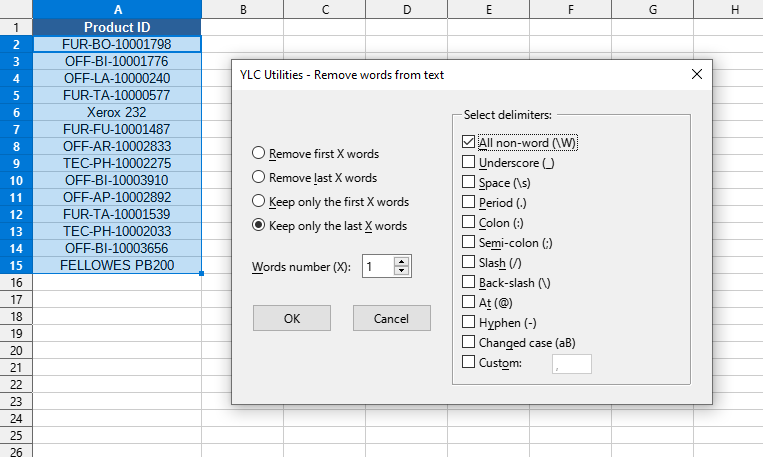
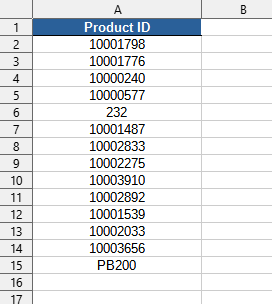
After applying (e.g., keep only the first word from the end, delimiter - any non-word character):
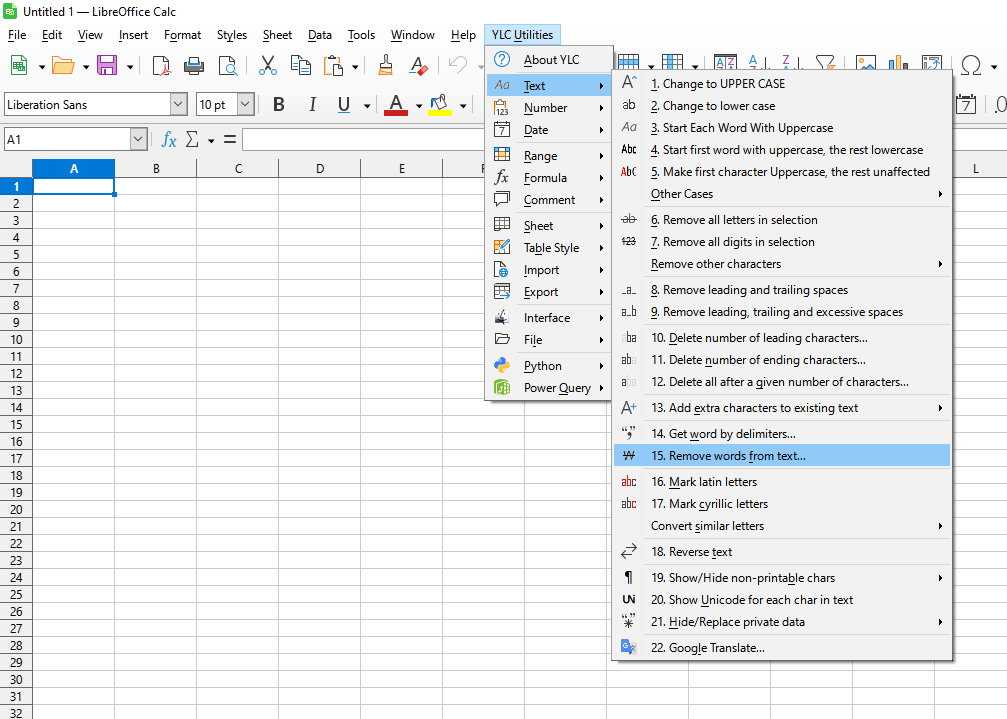
Click

By using this tool, you are guaranteed to save time and effort. However, the actual time savings will depend on how often you use Excel (Calc), the volume of data you are working with, and how often you utilize this tool.
You can use the
After that, this function will be available in all files that are opened in Excel (LibreOffice Calc).

