This utility will help you to get currency exchange rates from the official websites of national banks of many countries.
This significantly simplifies work with exchange rates, especially for those who work with finances or maintain records in different currencies.
Instead of manual entry of rates, you just need to use this utility to quickly get up-to-date data.
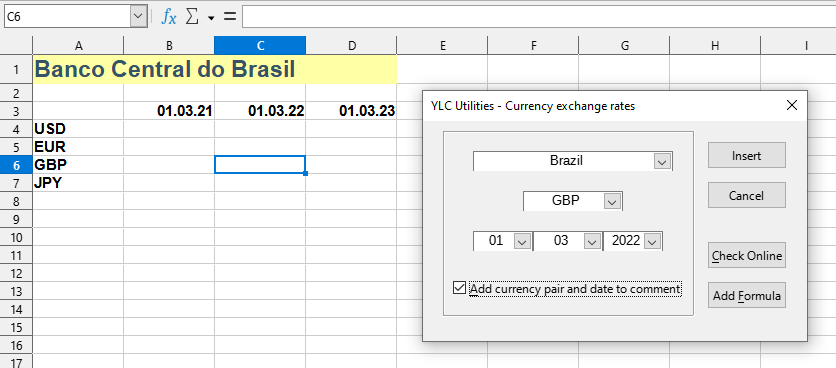
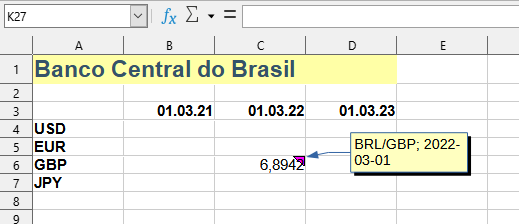
After applying:
Click
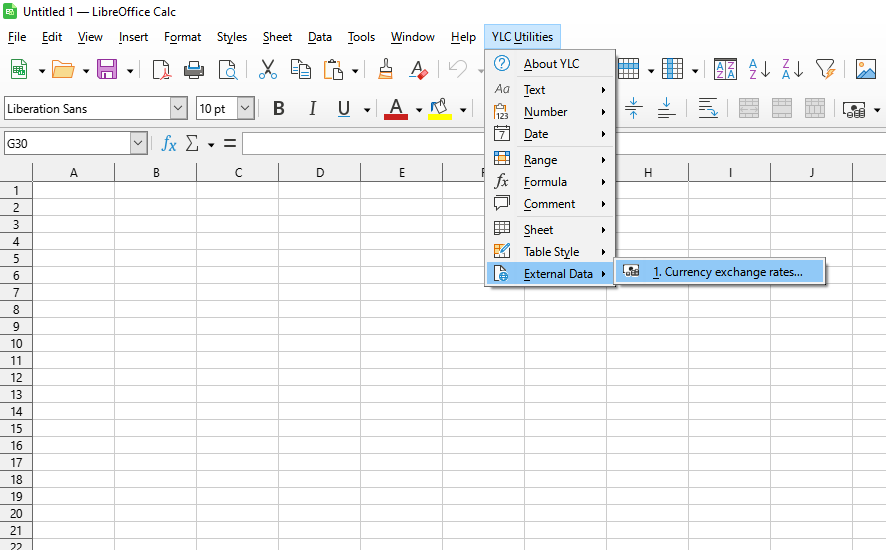
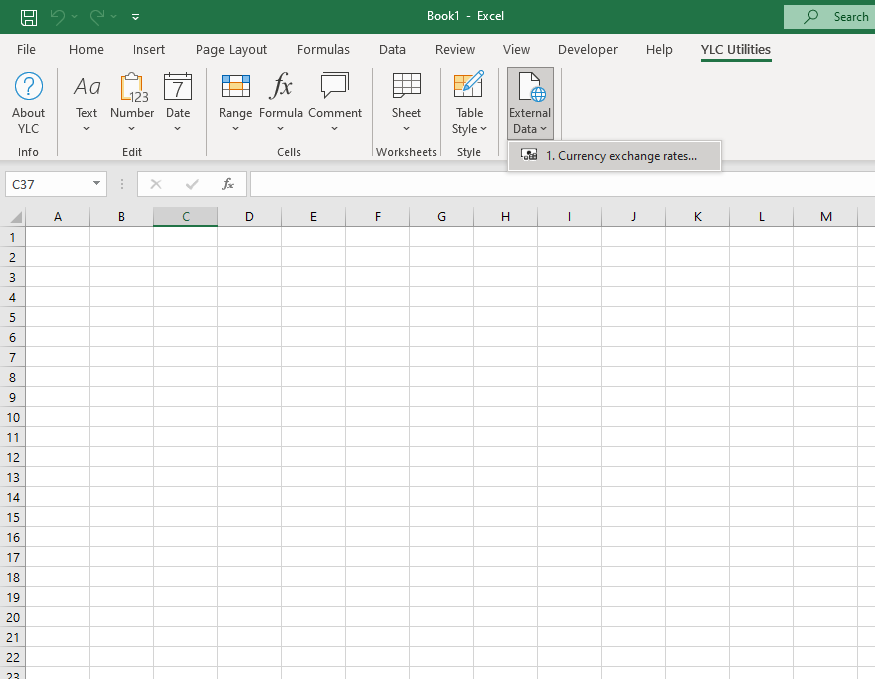
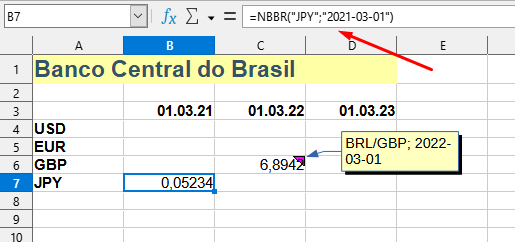
You can also get the exchange rate value using the corresponding function. To do this, simply click the Add Formula button. For example, for the Central Bank of Brazil, the NBBR() function will be added with the corresponding values:
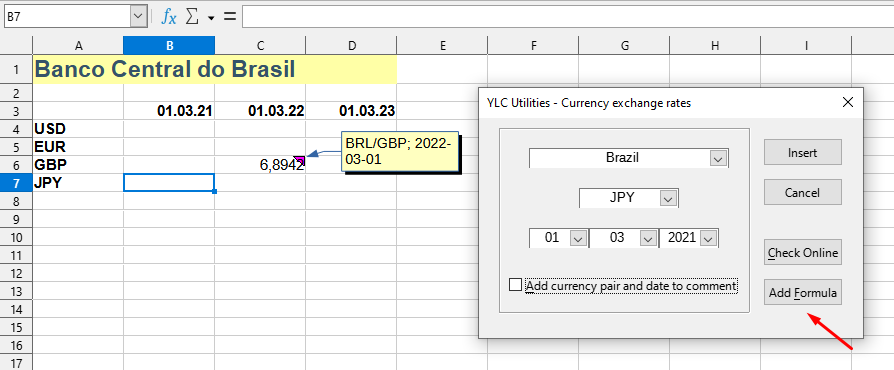
After applying:
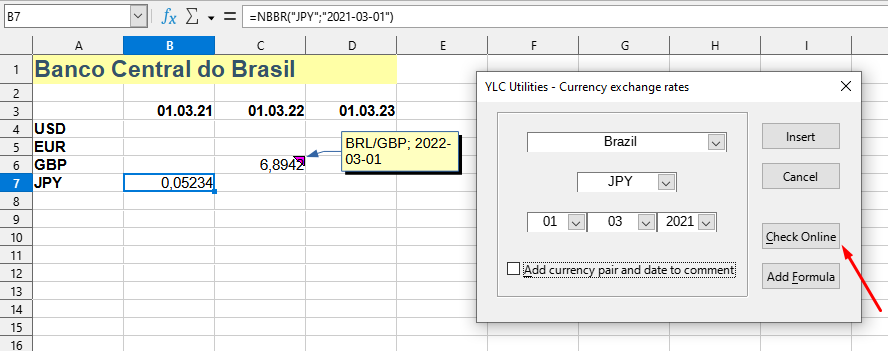
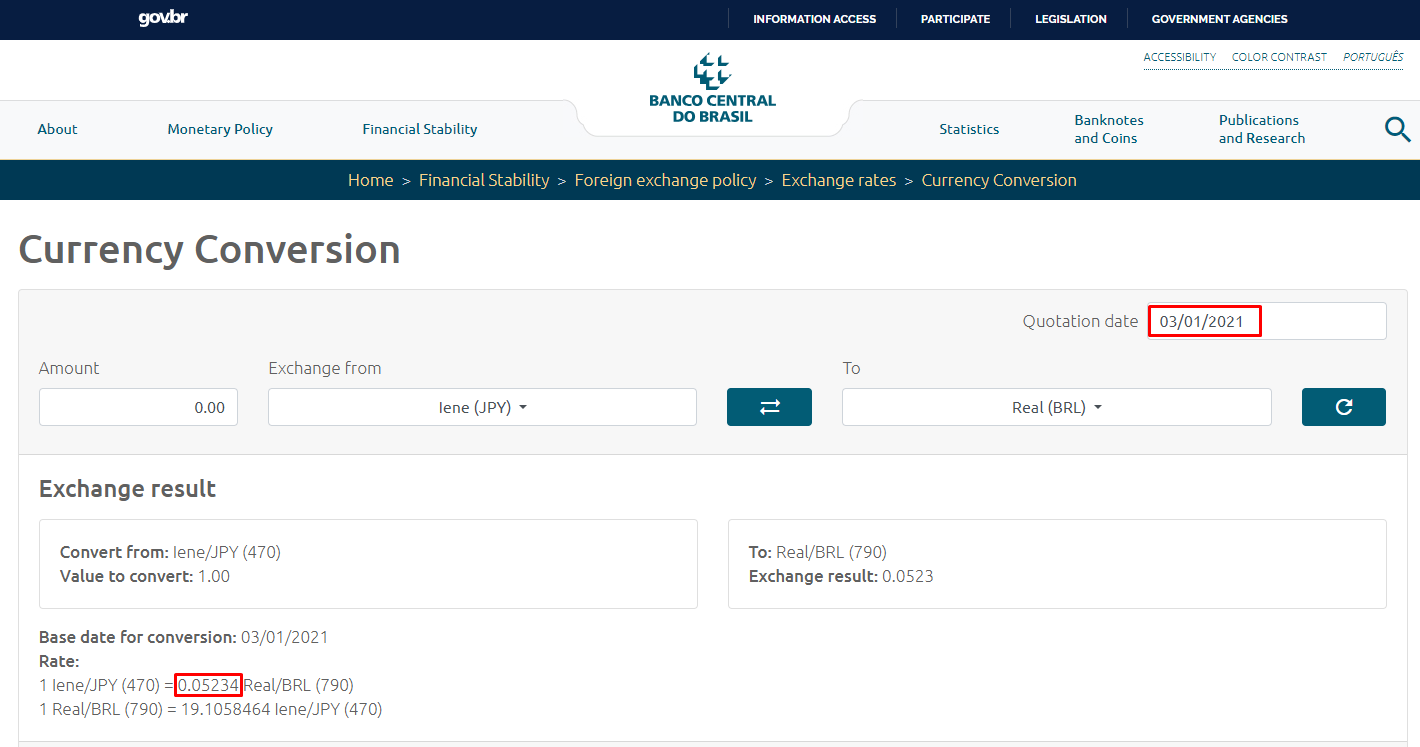
For financial or accounting calculations, checking for calculation correctness and absence of errors is very important. For this purpose, the "Official currency exchange rates" tool has a built-in Check Online button to verify data on the official websites of national (central) banks. By clicking this button, you will be automatically redirected to the corresponding website with exchange rates:
Website of the Central Bank of Brazil:
Currently, official currency exchange rates are available from the following National (central) banks:
Using this tool, you are guaranteed to save time and effort. However, the actual time savings depend on how often you use Excel (Calc), the volume of data you work with, and how often you use this tool.
You can use the
After this, this function will be available in all files opened in Excel (LibreOffice Calc).

