The WORKBOOK() function returns the name of the current workbook.
=WORKBOOK()
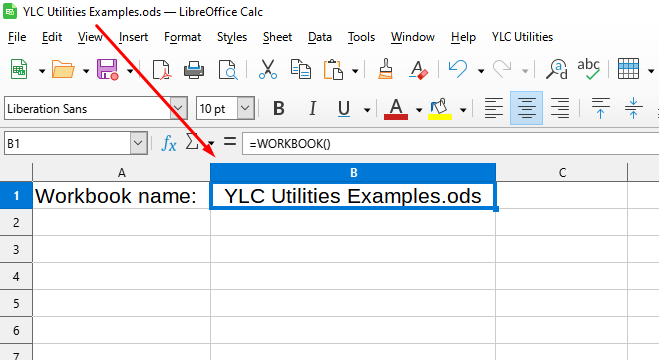
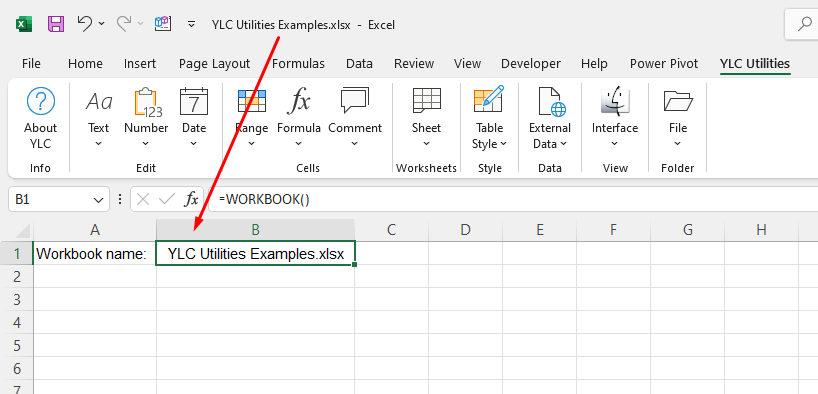
The WORKBOOK() function is simple to use. You just need to specify a cell with text and Excel (Calc) will automatically return the required word:
=WORKBOOK()
We will have the following result:
You can use the WORKBOOK() function by installing the YLC Utilities extension.
After that, this function will be available in all files that are opened in Excel (LibreOffice Calc).

