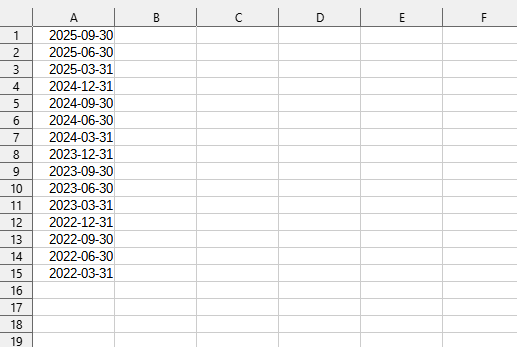
This tool allows you to quickly fill in the start or end dates in selected cells for each year, quarter, month, or week. This eliminates the need to manually enter or calculate the start/end dates of periods (e.g., 01.01.2024, 31.03.2024, 01.04.2024, etc.), which significantly speeds up the creation of date series for planning, accounting, or data analysis.
The tool automatically determines the start or end of the period (year, quarter, month, or week) and fills the selected cells backward from the current date.
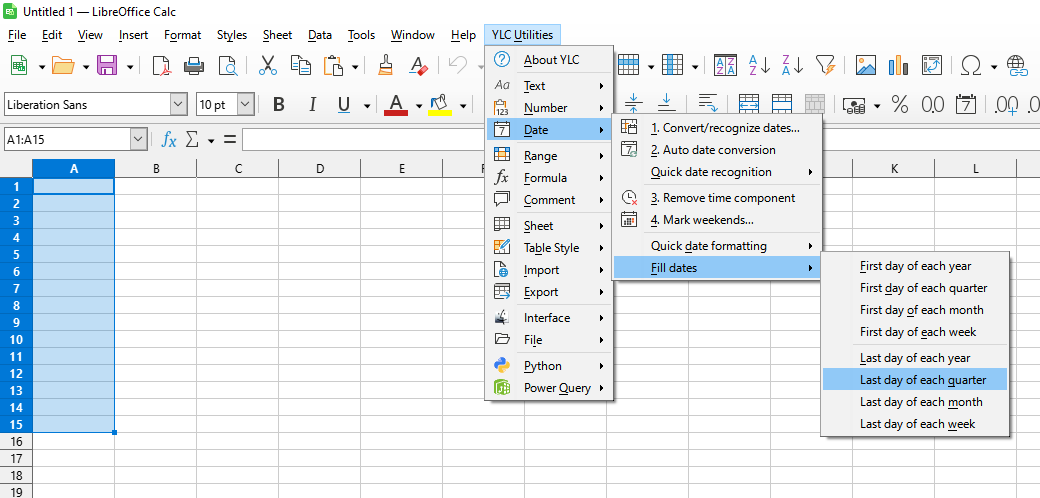
After application:
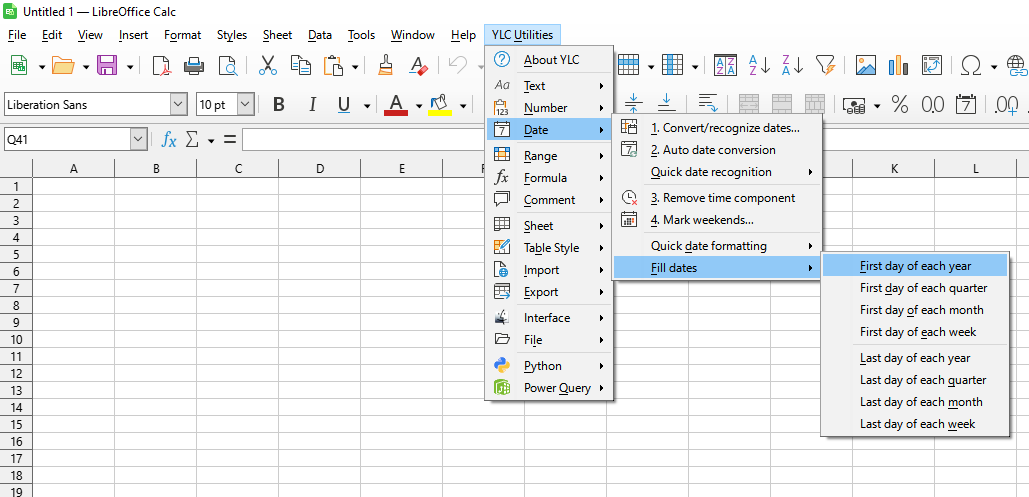
Click

By using this tool, you are guaranteed to save time and effort. However, the actual time savings depend on how often you use Excel (Calc), the volume of data you work with, and how often you use this tool.
You can use the
After that, this function will be available in all files opened in Excel (LibreOffice Calc).

