This tool allows you to quickly export data from the selected range to an SQL (Structured Query Language) format file. This eliminates the need to manually copy data, open a new text editor, or use a save dialog that might export the entire sheet rather than just the required range.
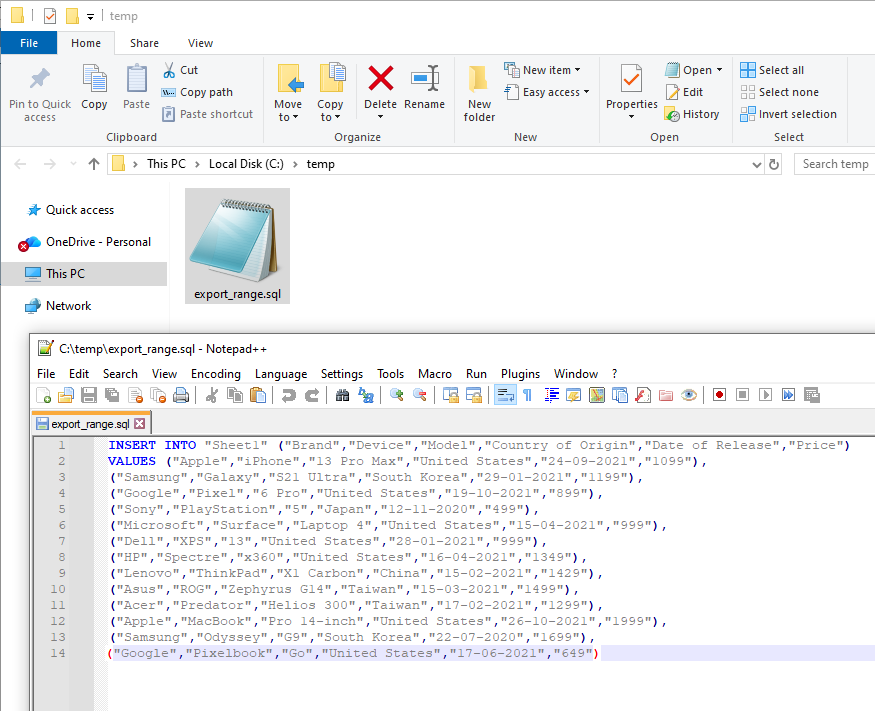
The tool extracts only values from the selected cells (ignoring formulas) and offers to save them as a clean SQL file, ready for use in databases, for example, for quick data insertion using `INSERT INTO` commands.

After applying:
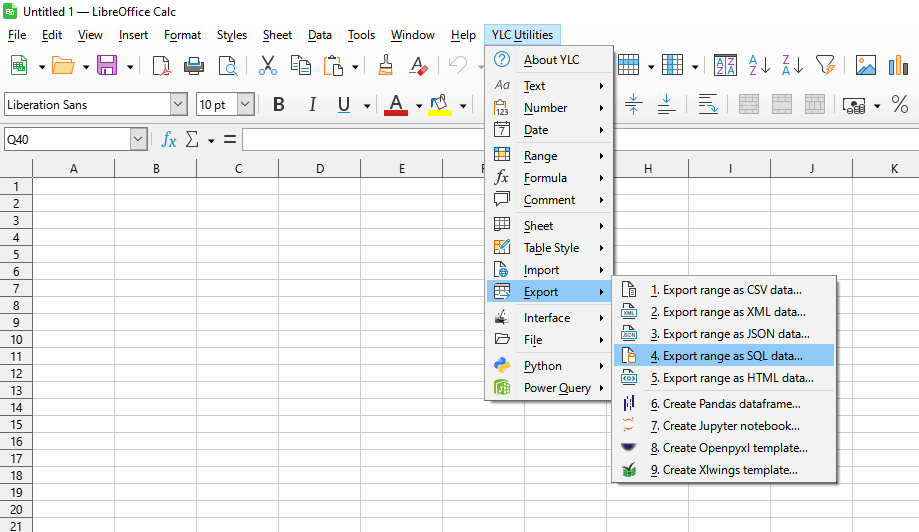
Click

By using this tool, you are guaranteed to save time and effort. However, the actual time savings depend on how often you use Excel (Calc), the volume of data you work with, and how frequently you use this tool.
You can use the utility
After that, this function will be available in all files opened in Excel (LibreOffice Calc).

