This tool quickly converts text entries into actual dates based on the selected date template. It allows you to specify the expected date format (for example, 'DD/MM/YYYY', 'MM-DD-YY', etc.) and applies this conversion to selected cells containing dates in text format.
This is useful for standardizing and correctly displaying dates that have been incorrectly imported or entered with various but consistent formats, making them suitable for calculations, sorting, and filtering in Excel (Calc).
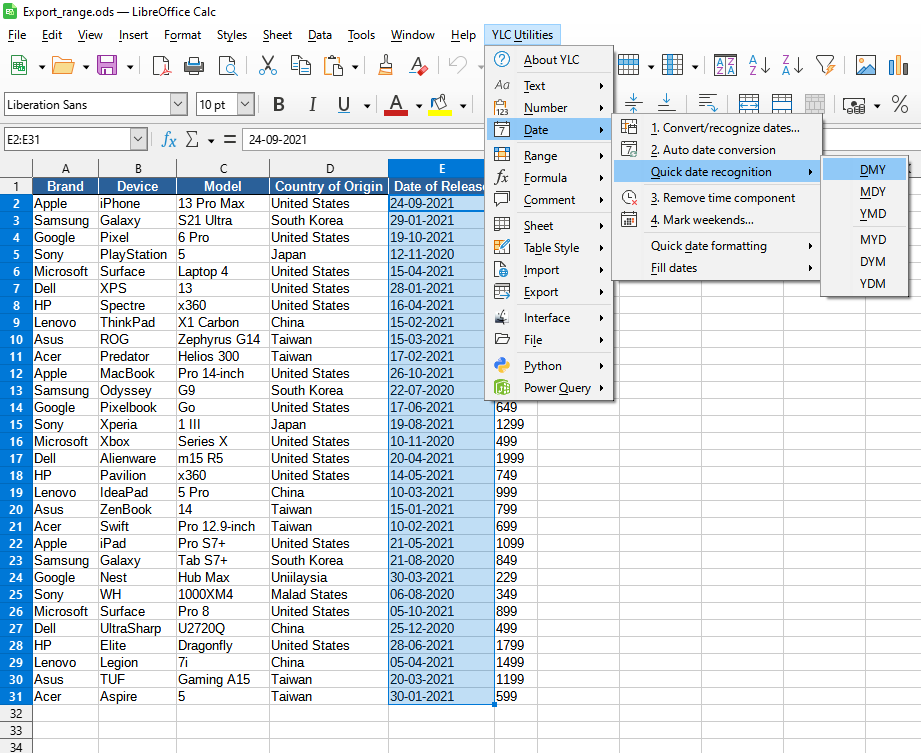
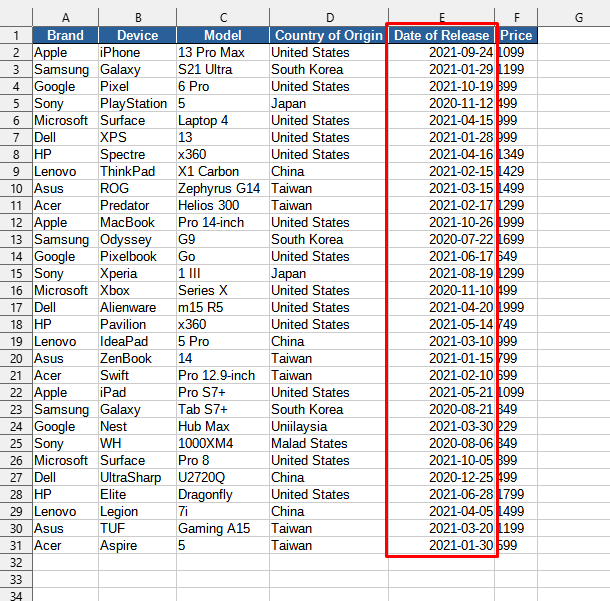
After applying:
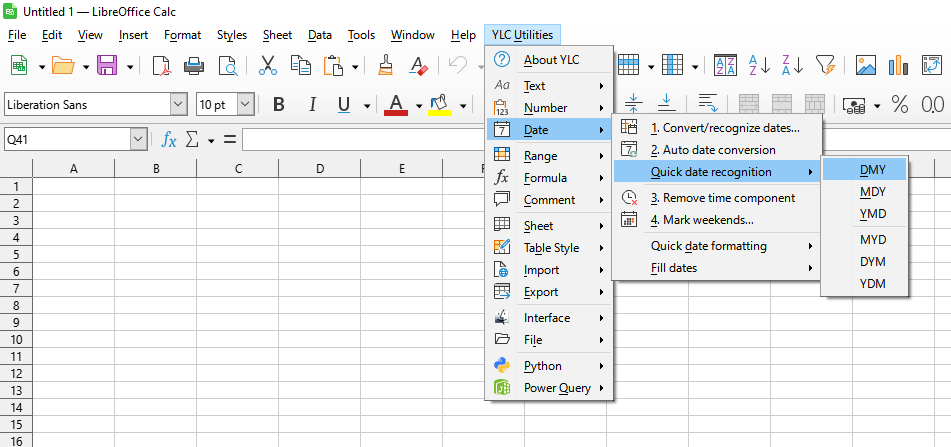
Click

By using this tool, you are guaranteed to save time and effort. However, the actual time savings depend on how often you use Excel (Calc), the volume of data you work with, and how often you use this tool.
You can use the utility
After that, this function will be available in all files that will be opened in Excel (LibreOffice Calc).

