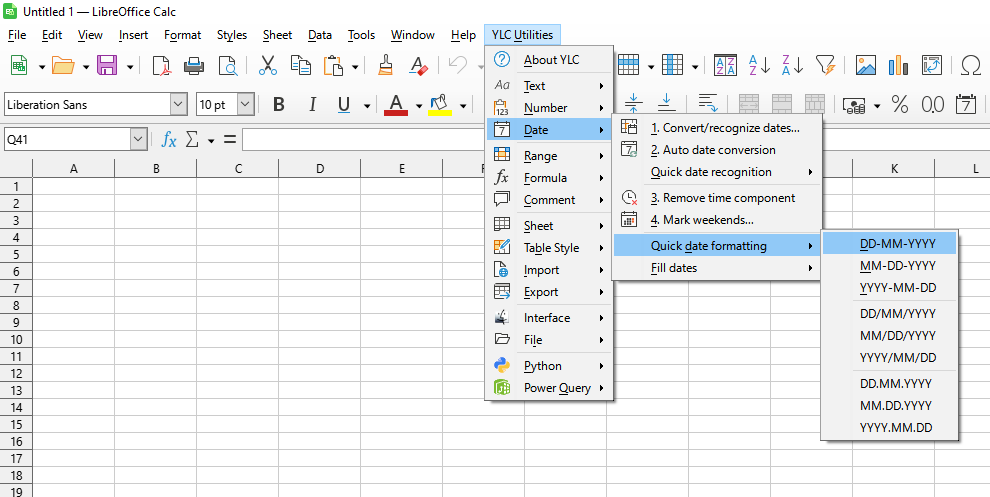
This tool offers a set of common date formats (e.g., DD.MM.YYYY, MM/DD/YY, YYYY-MM-DD), allowing you to instantly change the appearance of dates in a selected range without having to open the "Format Cells" dialog.
This significantly speeds up the standardization of date appearance in your spreadsheet, ensuring data consistency and readability.
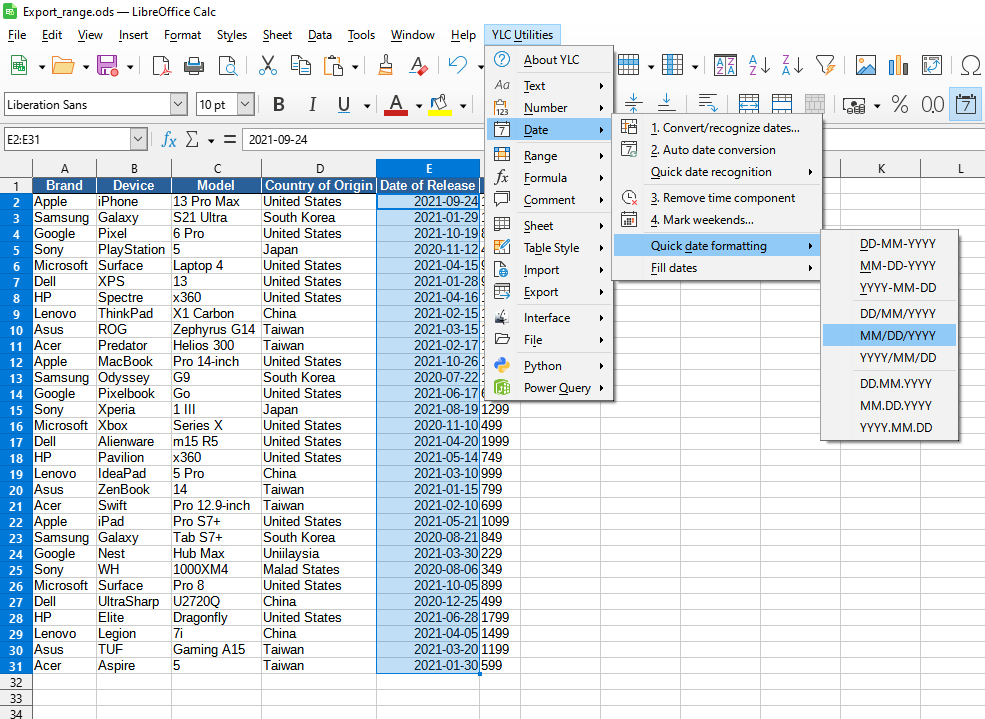
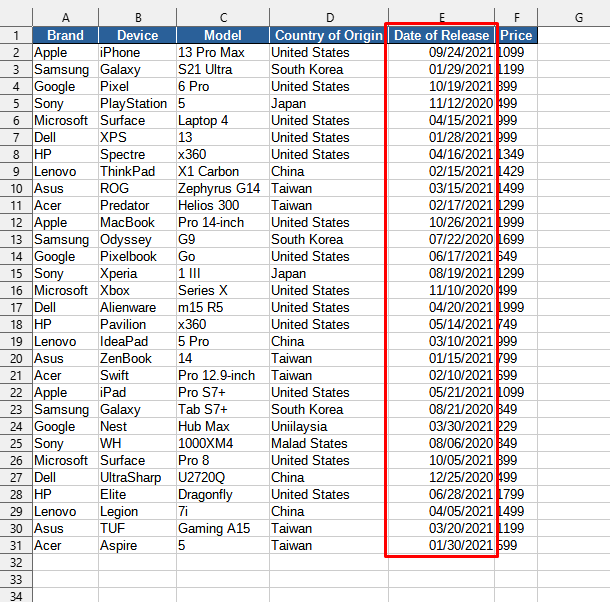
After applying:
Click

By using this tool, you are guaranteed to save time and effort. However, the actual time savings depend on how often you use Excel (Calc), the volume of data you work with, and how often you utilize this tool.
You can benefit from the
After that, this function will be available in all files opened in Excel (LibreOffice Calc).

