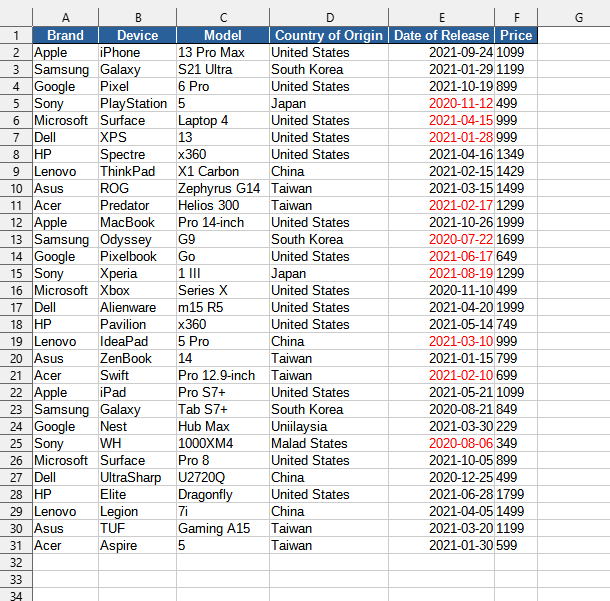
Marks dates in red in the selected cell range according to user-selected days of the week as weekend days (usually Saturday and Sunday).
This tool allows for quick visual identification of weekend days in a date column, which is especially useful for scheduling, tracking work hours, or analyzing time series. It applies formatting without the need to manually create complex conditional formatting formulas for each cell.
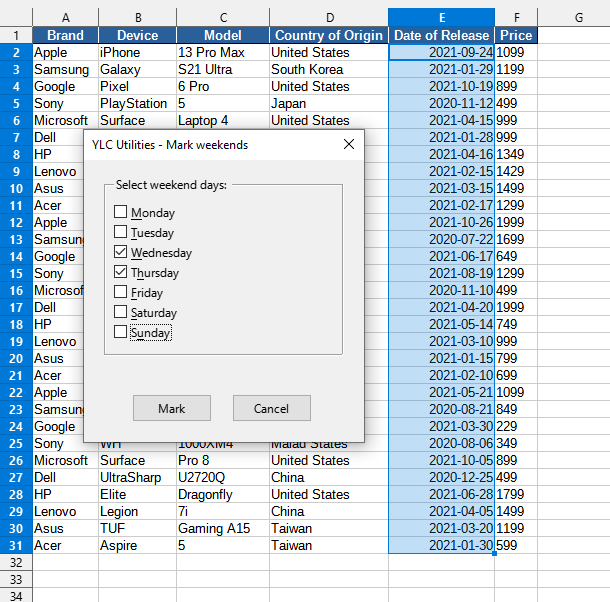
After applying:
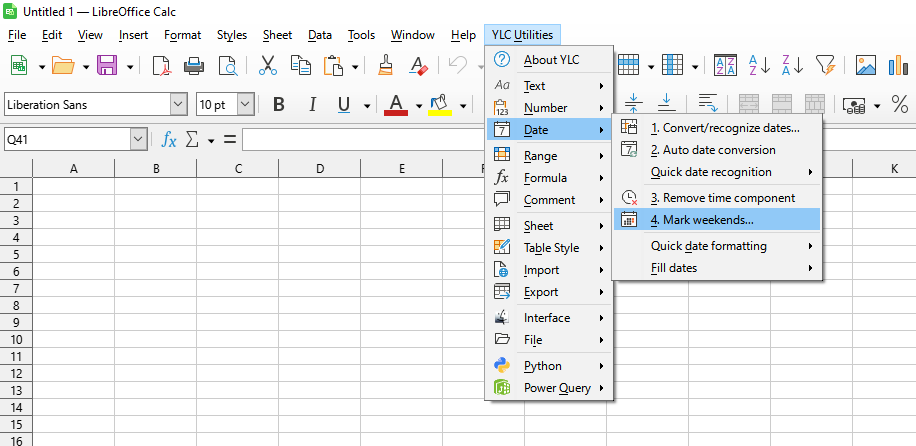
Click

By using this tool, you are guaranteed to save time and effort. However, the actual time savings depend on how often you use Excel (Calc), the volume of data you are working with, and how often you use this tool.
You can use the
After that, this function will be available in all files that will be opened in Excel (LibreOffice Calc).

