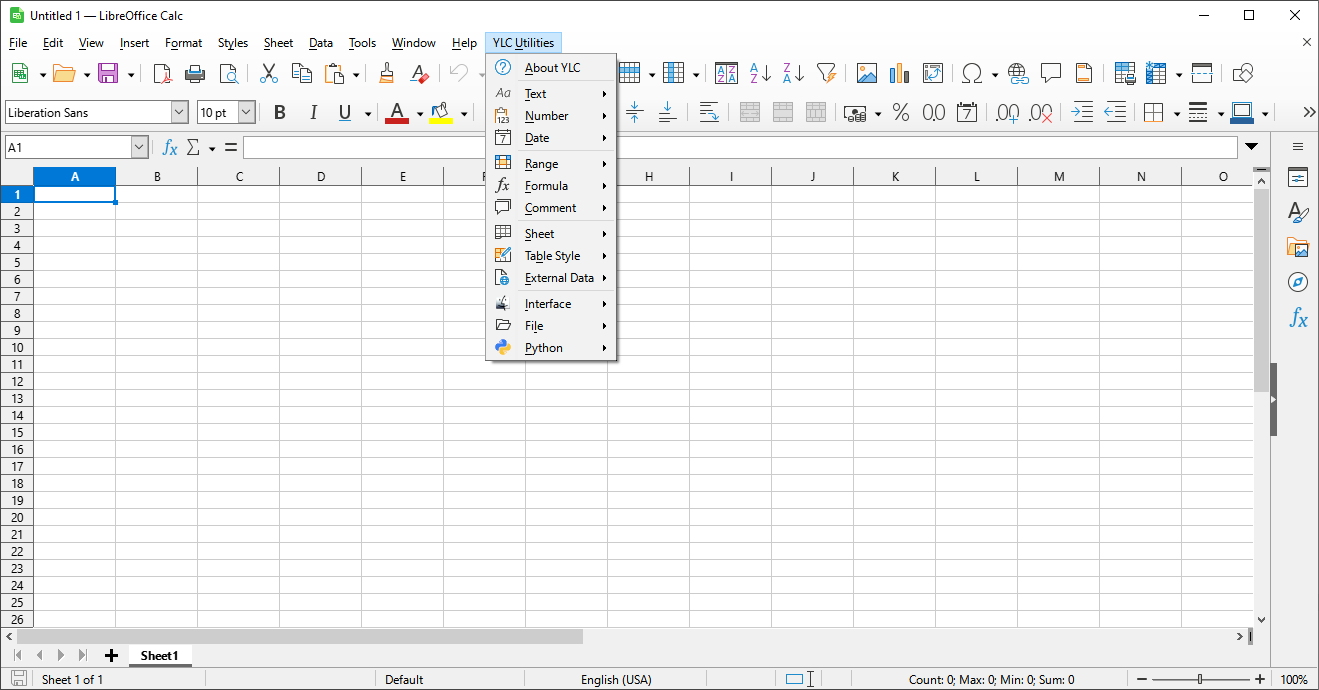
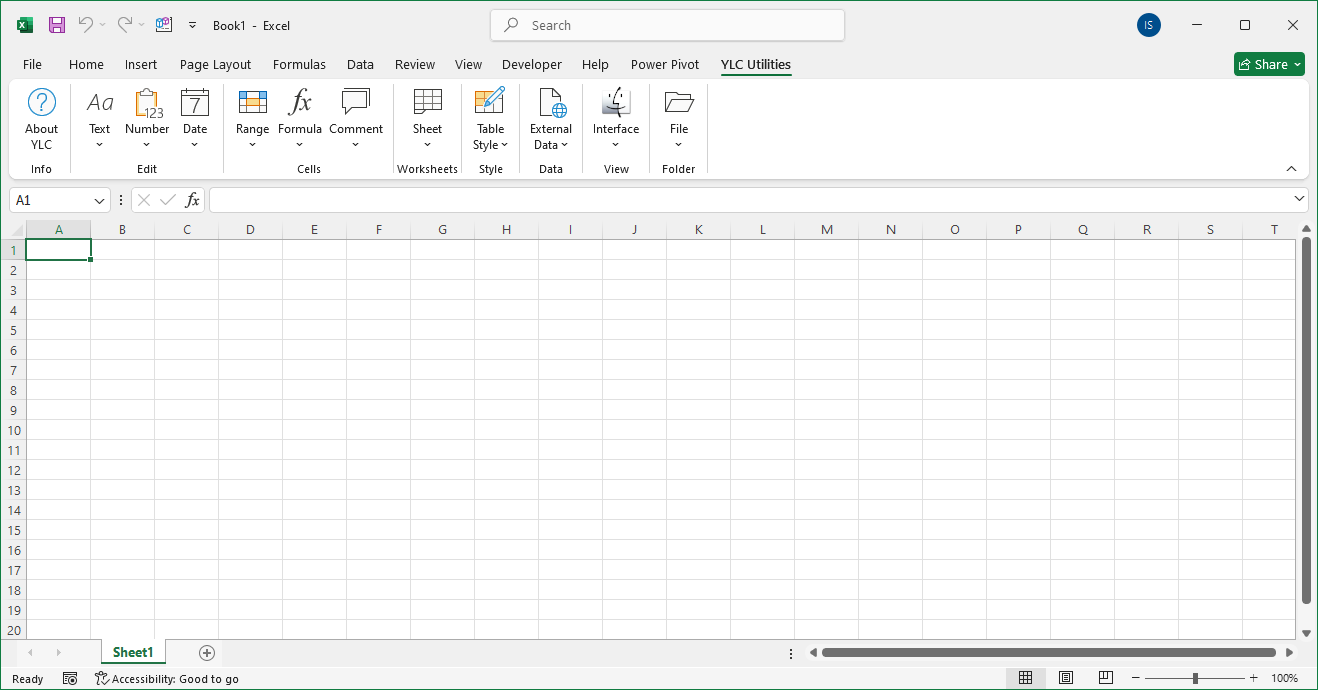
I installed the "YLC Light" or "YLC Functions" extension. Why is my top main menu missing?
These packages contain only functions and do not contain a main menu or additional utilities. You can access all available functions for this package through the standard functionality -
To get full access to everything, including the main menu and additional utilities, you can purchase the professional extension YLC Utilities.
I installed the "YLC Utilities" extension. Why is my top main menu missing?
The top main menu may not be displayed due to security settings.
To solve the problem, go to the menu
I once purchased the "YLC Utilities" extension, but now I want to get the new features of the latest version. Do I need to buy the entire package again for this?
No. If you already have the "YLC Utilities" extension, it is enough for you to buy a package update to the latest version.
I once purchased the "YLC Light" or "YLC Functions" extension, but now I want to upgrade the package level to "YLC Utilities". Can I pay only the difference in cost between different levels?
Yes. If you already have the "YLC Light" or "YLC Functions" extension, you can buy the next level by paying only the difference in cost.