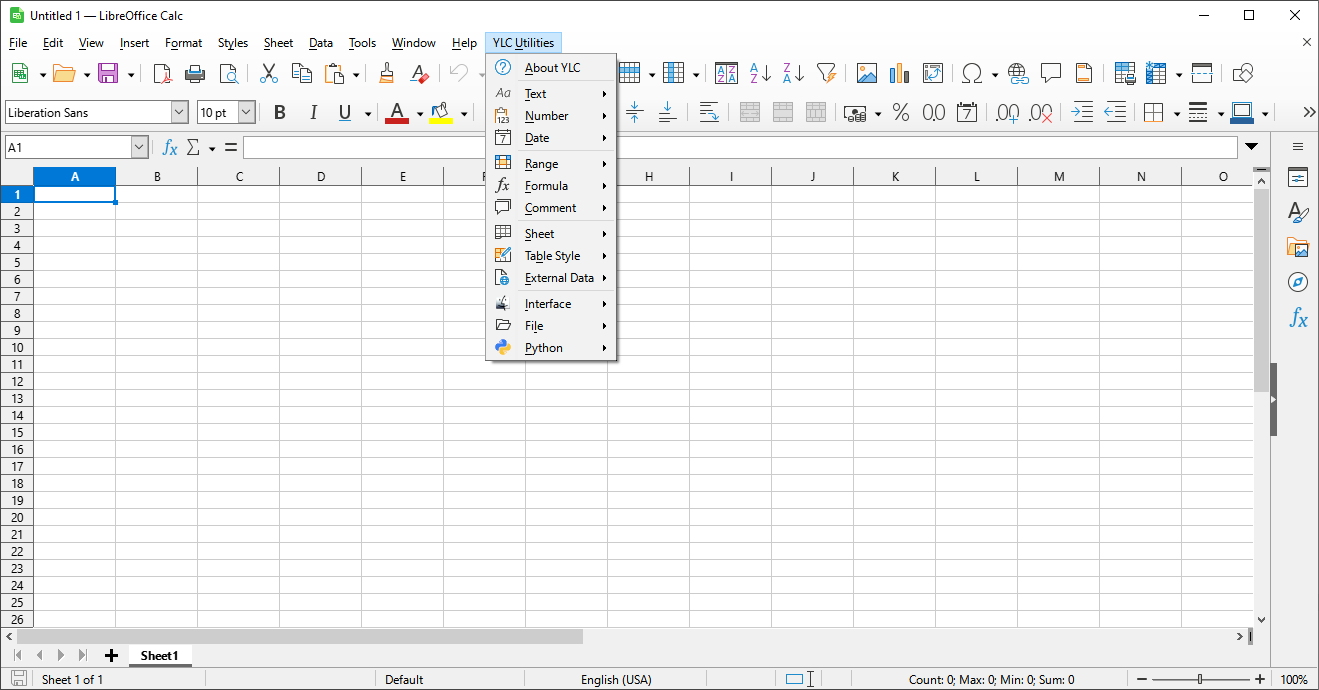
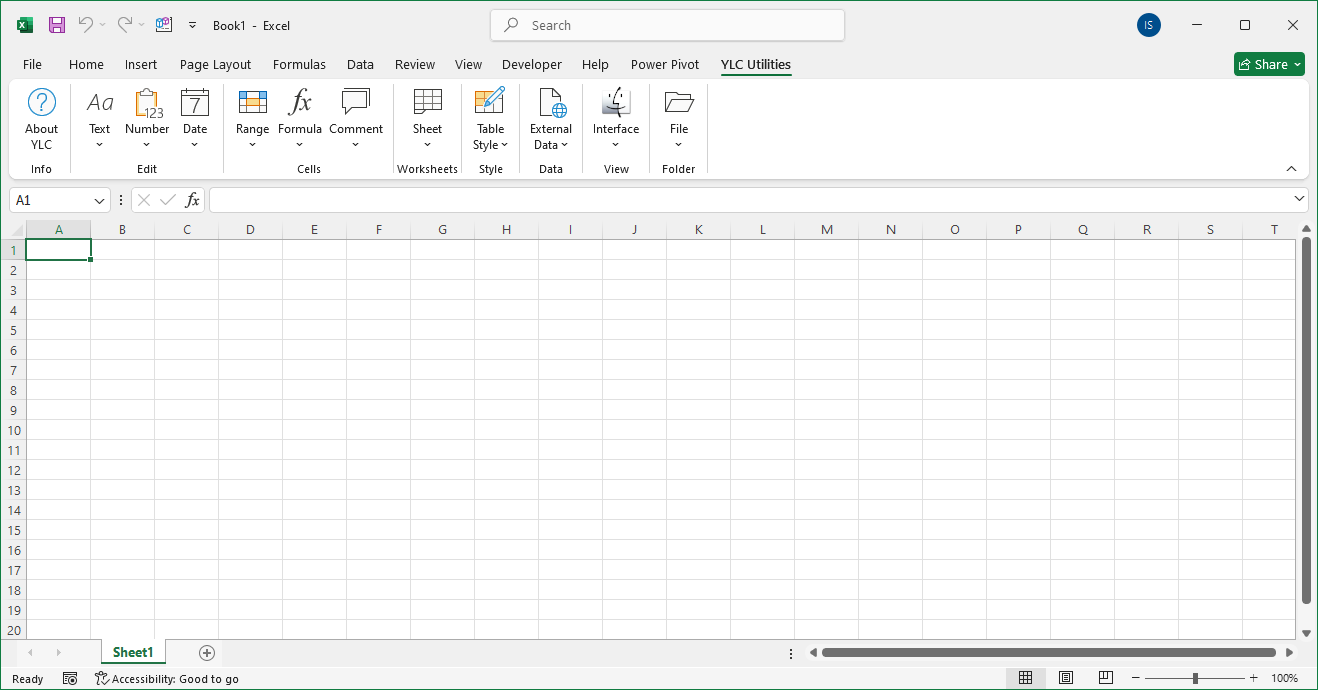
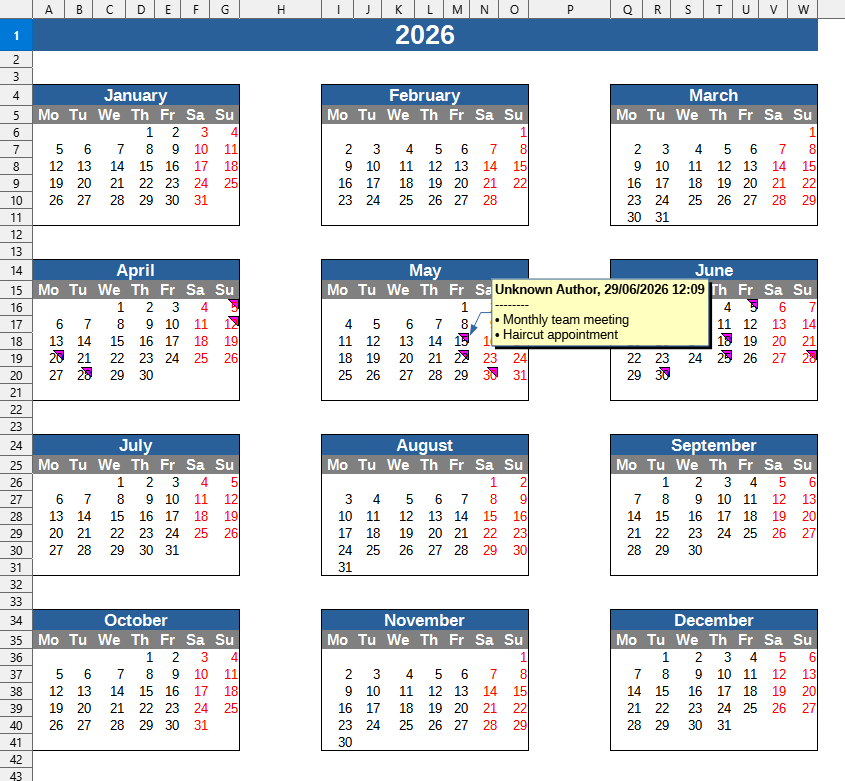
This tool allows you to quickly generate a new worksheet with a yearly calendar grid, which is automatically filled with events, tasks, or deadlines from your selected spreadsheet range. This completely eliminates the need to manually transfer each event, date by date, into a calendar template.
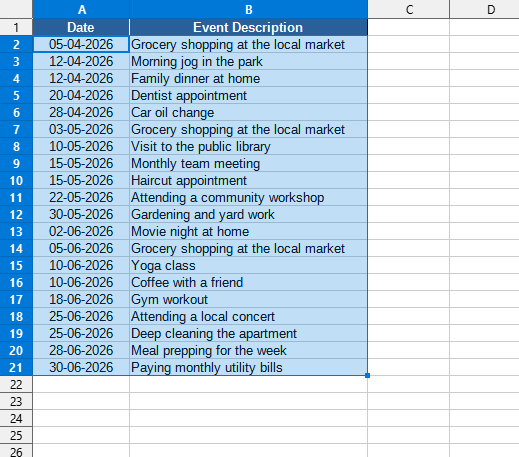
The tool automatically reads a list of dates and corresponding events from the selected range, groups them by month and day, and adds the events to the cell comments of the corresponding day in the calendar. This visual yearly planner is convenient to use for monitoring projects, planning vacations, or scheduling work.
After applying:
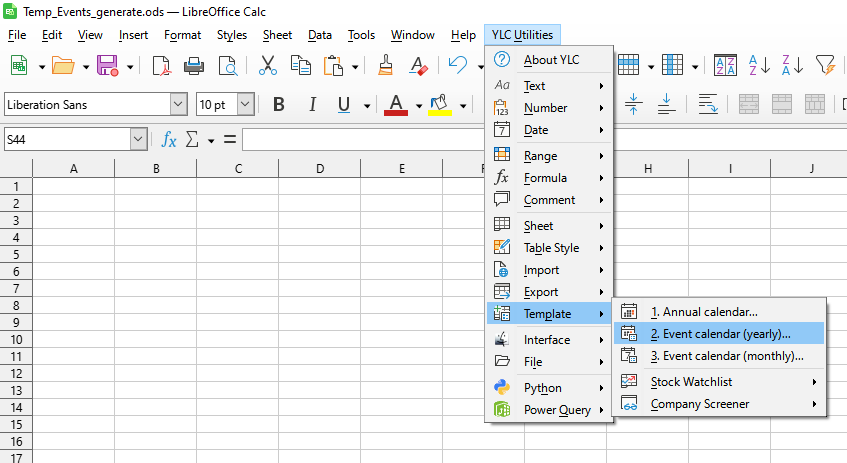
Click

By using this tool, you are guaranteed to save time and effort. However, the actual time savings depend on how often you use Excel (Calc), the volume of data you work with, and how frequently you use this tool.
You can use the
After that, this feature will be available in all files opened in Excel (LibreOffice Calc).