This tool allows you to quickly create a Python template that uses the Xlwings library to retrieve data from a selected range in an Excel file (*.xlsx).
This eliminates the need to manually define range boundaries and write initial code for interacting with Xlwings to retrieve data from your worksheet.
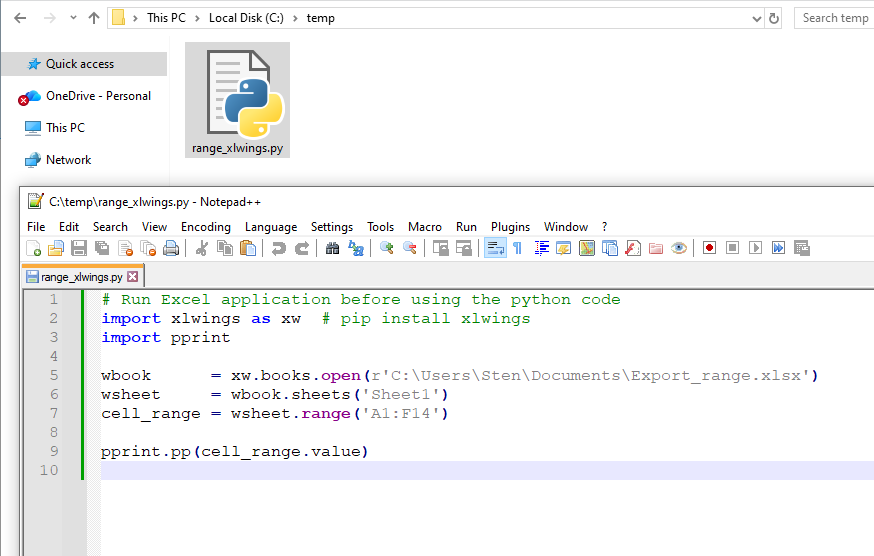
The tool generates a *.py file containing Python code that initializes the worksheet, defines the selected range, and shows how to retrieve and process this data, and is ready for use in your Python scripts.
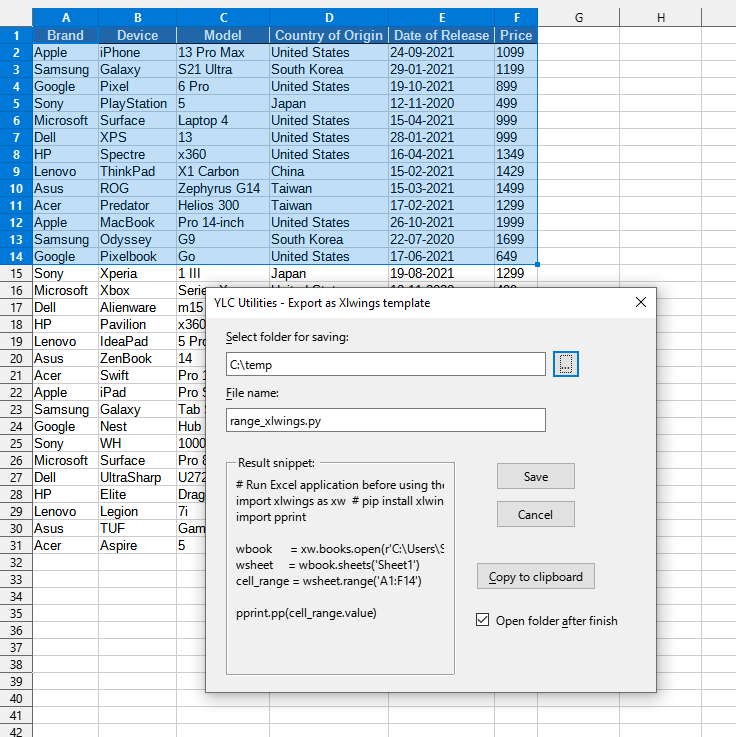
After applying:
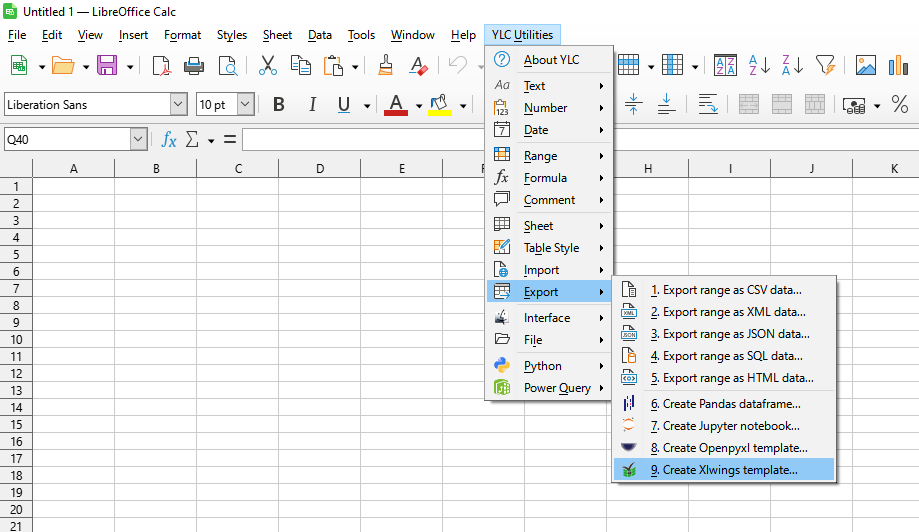
Click

By using this tool, you are guaranteed to save time and effort. However, the actual time savings depend on how often you use Excel (Calc), the volume of data you work with, and how often you use this tool.
You can use the utility
After that, this feature will be available in all files opened in Excel (LibreOffice Calc).

