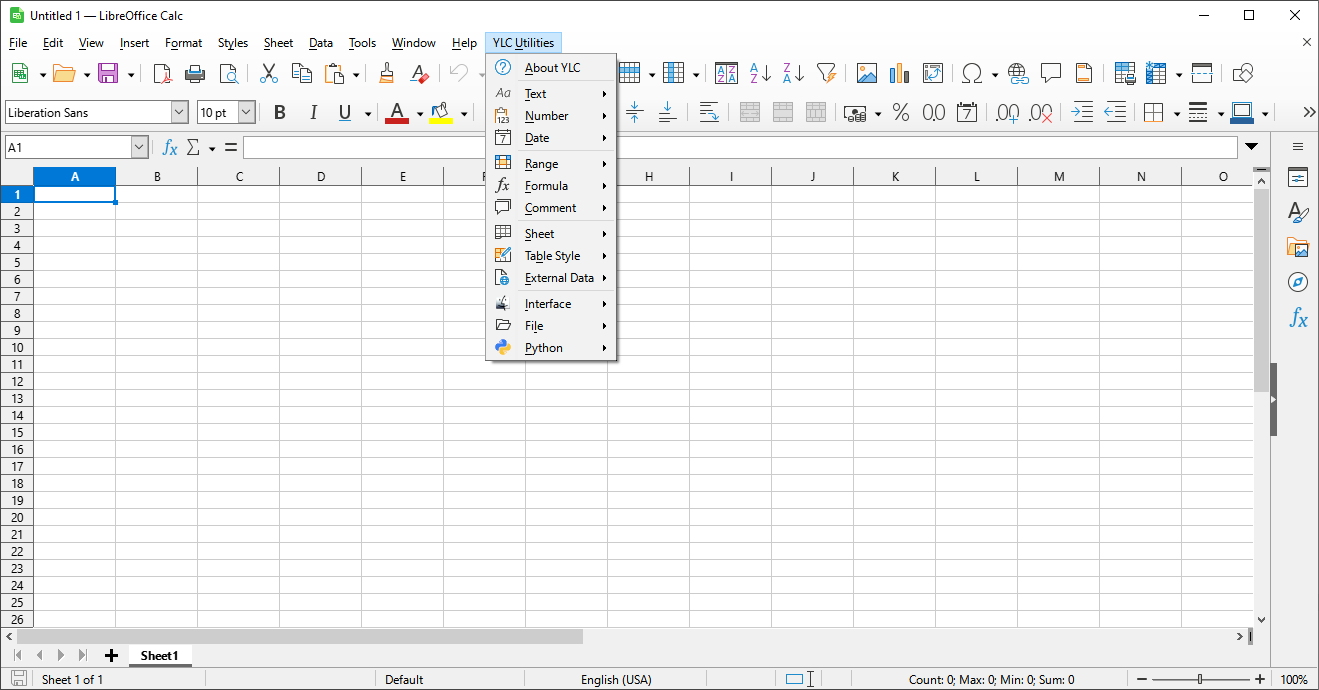
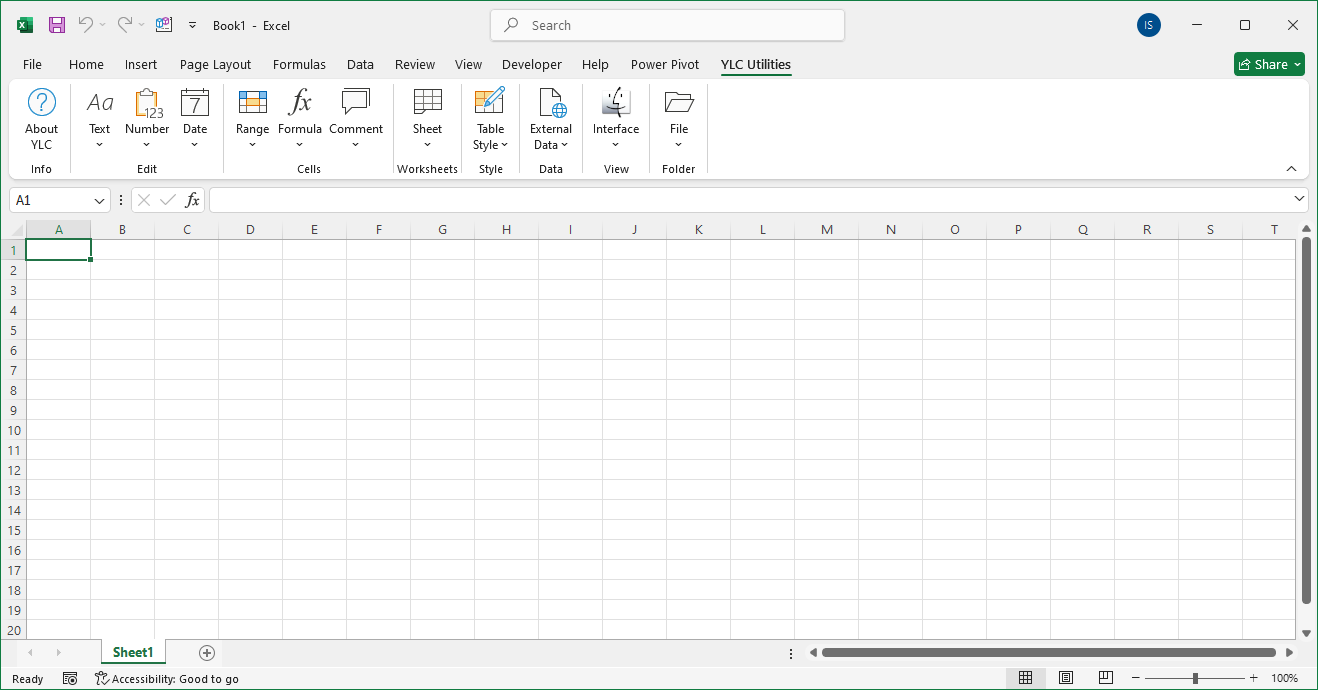
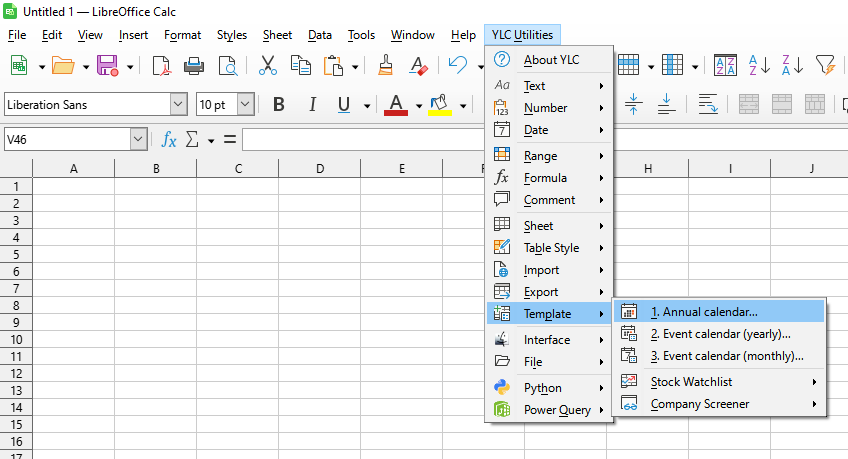
This tool allows you to quickly create a new worksheet, automatically filled with calendar dates for the year you specify. This eliminates the need to manually enter dates, calculate days of the week, or spend time on routine setup of the calendar structure.
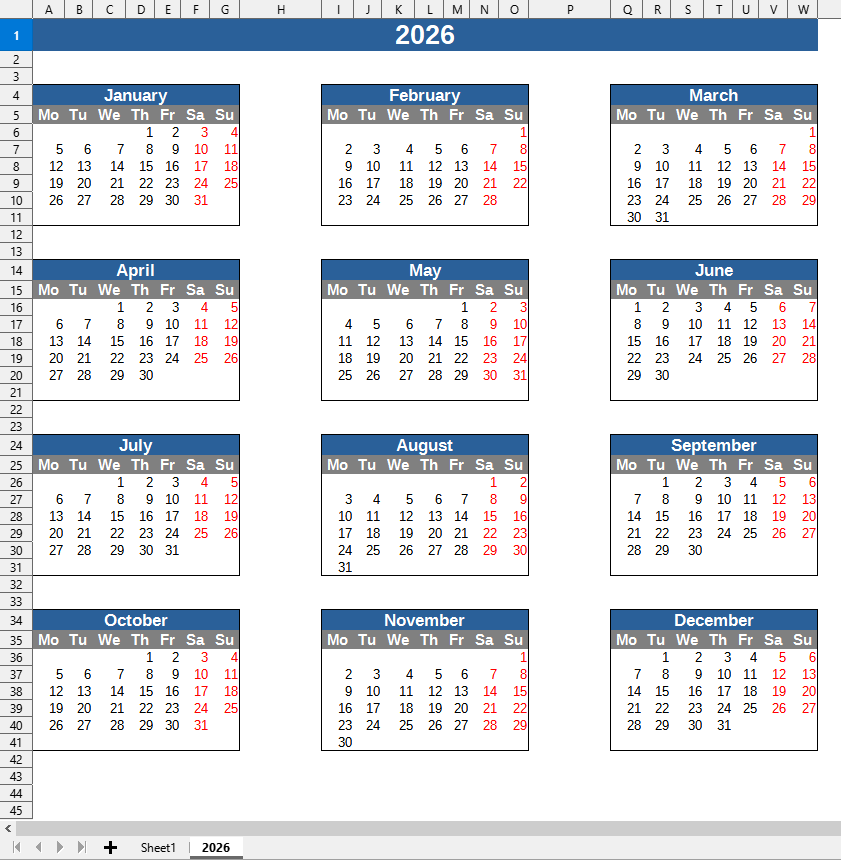
The tool automatically generates the correct sequence of days, taking into account the specifics of the calendar year (including leap years), and creates a convenient template ready for task planning, scheduling, time tracking, or budgeting.
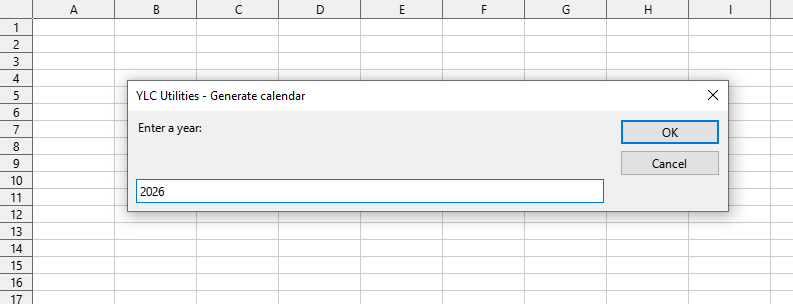
Year selection:
Calendar template:
Click

By using this tool, you are guaranteed to save time and effort. However, the actual time savings depend on how often you use Excel (Calc), the volume of data you work with, and how often you use this tool.
You can use the utility
After this, this function will be available in all files opened in Excel (LibreOffice Calc).