This tool allows you to create new worksheet, containing a new formatted table that is dynamically linked to the original selected range in LibreOffice Calc. This mimics the "Power Query" (Get & Transform) functionality from other programs, simplifying data updates and their use for reports or pivot tables.
The source range is converted into a structured table, and the new table on the new sheet displays its content with the applied style.
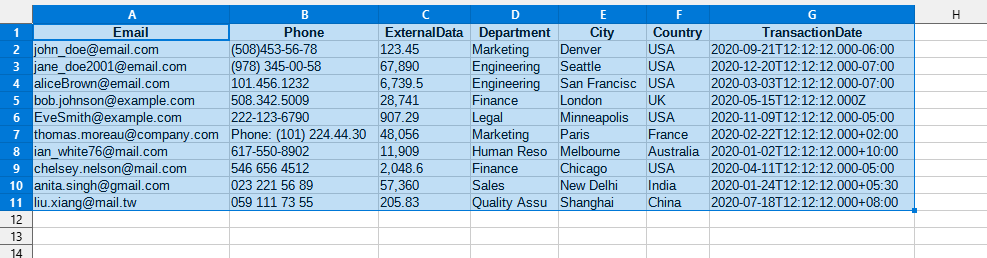
After applying:
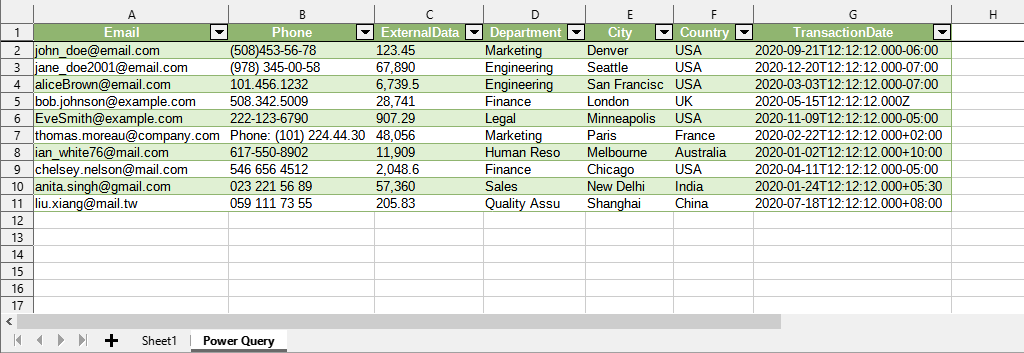
Click
LibreOffice Calc:
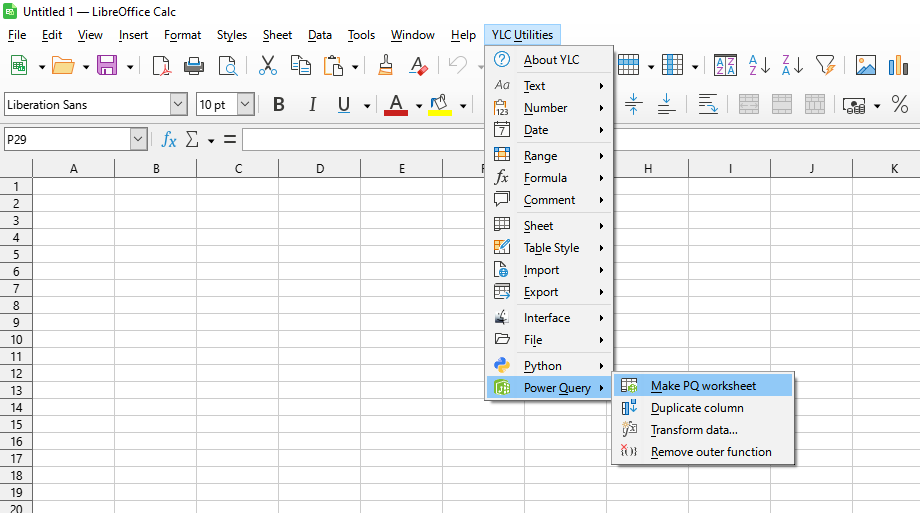
Using this tool, you are guaranteed to save time and effort. However, the actual time savings depend on how often you use LO Calc, the amount of data you work with, and how often you use this tool.
You can use the utility
After this, this feature will be available in all files opened in LibreOffice Calc.

